Bind a QR to an Item
Arda ships pre-made blank cards — physical Kanban cards printed with a QR code but not yet tied to anything. Binding is how a user claims one: scan the blank card, pick or create the Item it should represent, and that card is now the Item’s card. The point is onboarding. A new customer can start from a stack of printed cards and put the system to work by scanning, instead of generating and printing a card for every item before they can do anything.
The QR codes are just UUIDs minted locally in our own tools — no server allocation, no issuance registry, no counter to keep in sync. A random v4 UUID won’t collide in any realistic quantity, so a whole batch can be printed offline and the backend only ever sees a code when a user binds it.
Binding a QR should be a small operation. The QR already contains the Card ID; we are only attaching that Card to an Item. The bind flow does not allocate a new ID, reserve a code, or send the QR through product enrichment.
User flow
Section titled “User flow”- The user scans an Arda QR.
- The app resolves the Card ID.
- If it is already bound, the app opens the Item.
- If it is blank, the user can choose an existing Item or create one.
- The app confirms the choice, binds the Card, and shows the Item.
The mobile and desktop scanners should use the same flow. If the user creates an Item first and the bind fails, we should keep the new Item on screen and let them retry the bind. We should not create the Item a second time.
Backend work
Section titled “Backend work”The frontend needs two backend operations:
- resolve a Card ID and return whether it is blank or already attached; and
- bind that Card ID to an Item in the current tenant.
The backend may adopt the scanned code as the new Card id or mint its own id —
resolve returns cardEId either way, and the scanner follows it.
Internal test tooling can generate blank UUIDs locally. The product does not
need a generate endpoint or server-side allocation state. The public
https://arda.cards/qr/{cardId} route still needs to reach the app’s landing
flow so a phone camera can open it.
Binding the same Card to the same Item again should be safe. If the Card is already attached to a different Item, the backend should return a conflict and the frontend should explain what happened. Both operations need the normal tenant authorization and audit information.
There is no unbind operation. Bind is the normal path and a bound code answers every rebind attempt with a conflict. What happens after a Card is deleted depends on which kind of card it is:
- Blank cards carry only the QR in permanent ink; the item details are written by hand and can be erased. Deleting the Card frees its code, so the physical card can be relabeled, scanned, and bound to a new Item.
- Cards printed from an existing Item show that Item in permanent ink. They can never be rebound — delete is the end of their life, and their ids must never resolve as blank.
The backend can tell the two apart: only codes that entered through the blank bind path have a QR record. The mocks approximate this (any well-formed unknown UUID is treated as blank), so the origin check is the backend’s to enforce, alongside the card-deletion work in the kanban-cards area.
Endpoint contract
Section titled “Endpoint contract”Both operations sit behind the Operations BFF and take the standard
getBffAuthHeaders tenant auth. The frontend already calls these paths against
mocks; the backend implements them to match.
Resolve — GET /api/arda/kanban/qr-code/resolve/{code}
200 { ok: true, data: { code, status: "UNBOUND" } }— blank Card; the user chooses an existing Item or creates one.200 { ok: true, data: { code, status: "BOUND", cardEId } }— already attached; the app opens the Item.404 { ok: false, error }— no Card for that code.500 { ok: false, error }— unexpected server error.
Bind — POST /api/arda/kanban/qr-code/{code}/bind with body
{ item: { eId }, quantity?: { amount, unit } }
200 { ok: true, data: <kanban card> }— bound; the Card is materialized.409 { ok: false, error }— the Card is already bound to a different Item.404 { ok: false, error }— unknown code, or the target Item does not exist.
Enrichment never sees these codes: the shared scanner routes Arda QRs straight
to resolve and product barcodes to POST /api/enrichment/import.
The same contract as a spec file to implement against:
bind-qr.openapi.yaml.
We still need to decide whether create-and-bind becomes one backend operation. The current frontend does it in two steps, so it also needs a clean retry when the Item is created but the bind does not finish.
Current prototype
Section titled “Current prototype”The shared scanner already keeps Arda QRs out of enrichment and opens the blank Card setup flow. Resolve and bind are mocked in the frontend today. The blank QR generator is developer tooling and does not belong in the product frontend. The next end-to-end step is to replace the mocks with the backend operations above.
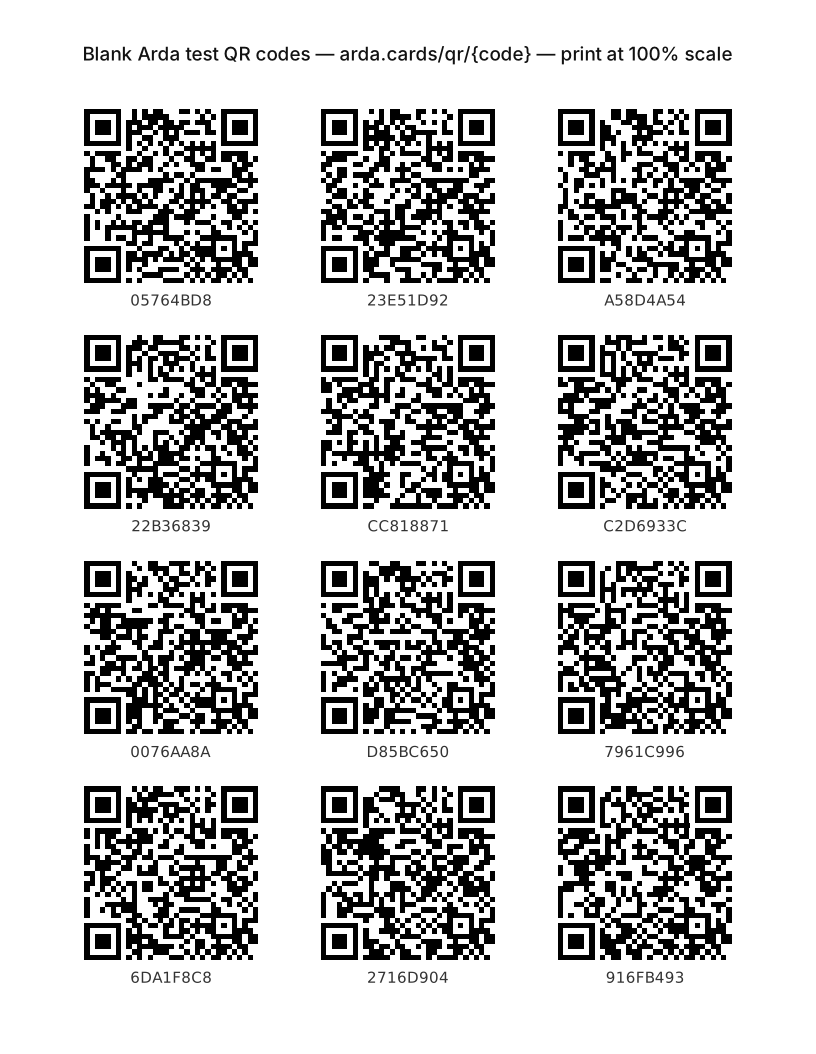
Open the developer QR test generator. It creates 3 × 5 cards and 34 mm stickers using the canonical public QR URL. For a zero-setup test, print the static test sheet — twelve blank codes on one Letter page.
For the full scanner and item-creation behavior, see Scan to Item — Frontend and UX.
Copyright: © Arda Systems 2025-2026, All rights reserved